


You're buying something online — concert tickets, a flight, a pair of trainers — and just as you tap Pay, the screen pauses. Your phone buzzes. A message asks you to confirm it's really you. That short pause is 3D Secure doing its job. It isn't your card failing, and it isn't a glitch. It's an extra check that confirms the person behind the screen is the genuine cardholder before the money moves.
If you've noticed more of these prompts over the last few years, you're not imagining it. Across the EU, online card payment security was rebuilt around a rule called Strong Customer Authentication, and
PSD2 — the EU payment-services directive — made this kind of confirmation the default for most online purchases. This guide explains what the check is, how it works, when you'll be asked and when you won't, and what to do when a payment stalls.
What is 3D Secure?
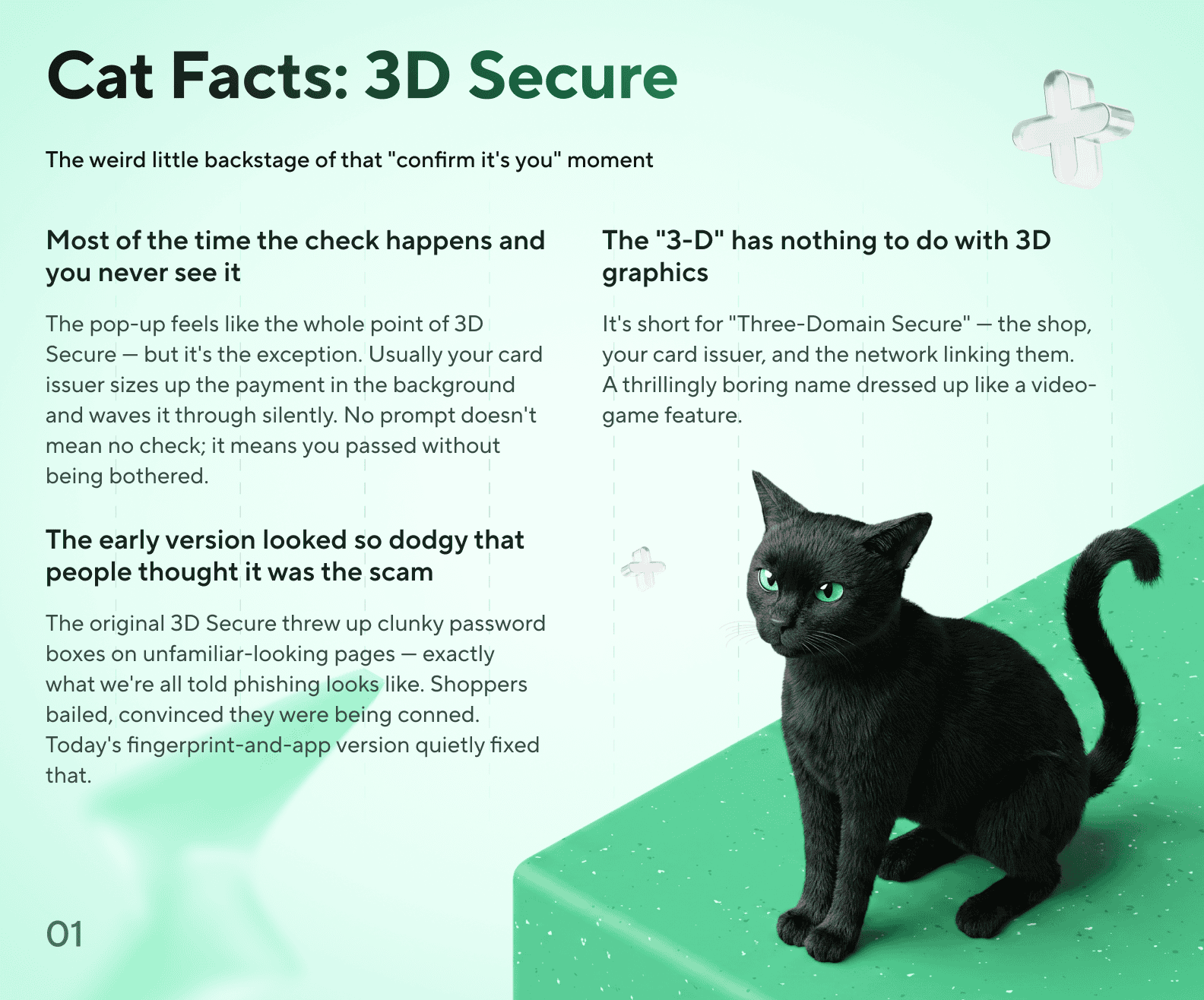
3D Secure is a confirmation layer that sits on top of a normal card transaction. The name is technical — the "3 domains" are the shop, the card network, and your card issuer — but the idea is simple. Before an online card payment is approved, the system can ask you to prove the card is really in your hands. That card payment confirmation is what turns a stolen card number into a far less useful thing, because a number alone is no longer enough to spend.
You may remember the early versions under brand names like "Verified by Visa" or the Mastercard equivalent, which threw up a clunky password box. Those have been replaced by the modern
EMV 3-D Secure specification, often called 3DS2. Instead of a static password, today's payment authentication leans on your phone and your app — a fingerprint, a face scan, or a tap to approve — which is faster and much harder to fake.
How does 3D Secure work?
Every 3D Secure card payment follows the same basic path, and the key thing to understand is who's in charge. It isn't the shop that decides whether to challenge you — it's your card issuer, the institution that holds your account. The merchant simply hands the transaction over and waits for an answer.
- You enter your card details at the checkout and confirm the purchase.
- The merchant passes the payment to the card network, which routes it to your issuer.
- Your issuer runs a quick risk check in the background — the amount, the device, the merchant, your recent activity.
- If everything looks routine, the payment clears with no prompt at all (the "frictionless" path).
- If anything warrants a closer look, you get a challenge: a push notification in your app or a one-time code, asking you to approve.
- Once you approve, the 3D Secure verification is complete and the issuer makes the final decision to authorise or decline.
In short
Your card issuer — not the shop — decides whether to ask for confirmation, and runs that check on every payment in the background.
Why online card payments ask for extra confirmation
The reason online card payments ask for extra confirmation is mostly regulation, not the whim of any one app. If you've ever wondered, mid-checkout, why does my card ask for confirmation, this is the answer. Under PSD2's Strong Customer Authentication rules — set out in the EU's
regulatory technical standards — most electronic payments in the European Economic Area must be verified using at least two independent factors from three categories:
- Something you know — a PIN or password.
- Something you have — your phone or your physical card.
- Something you are — a fingerprint or face scan.
Is 3D Secure required for every online payment?
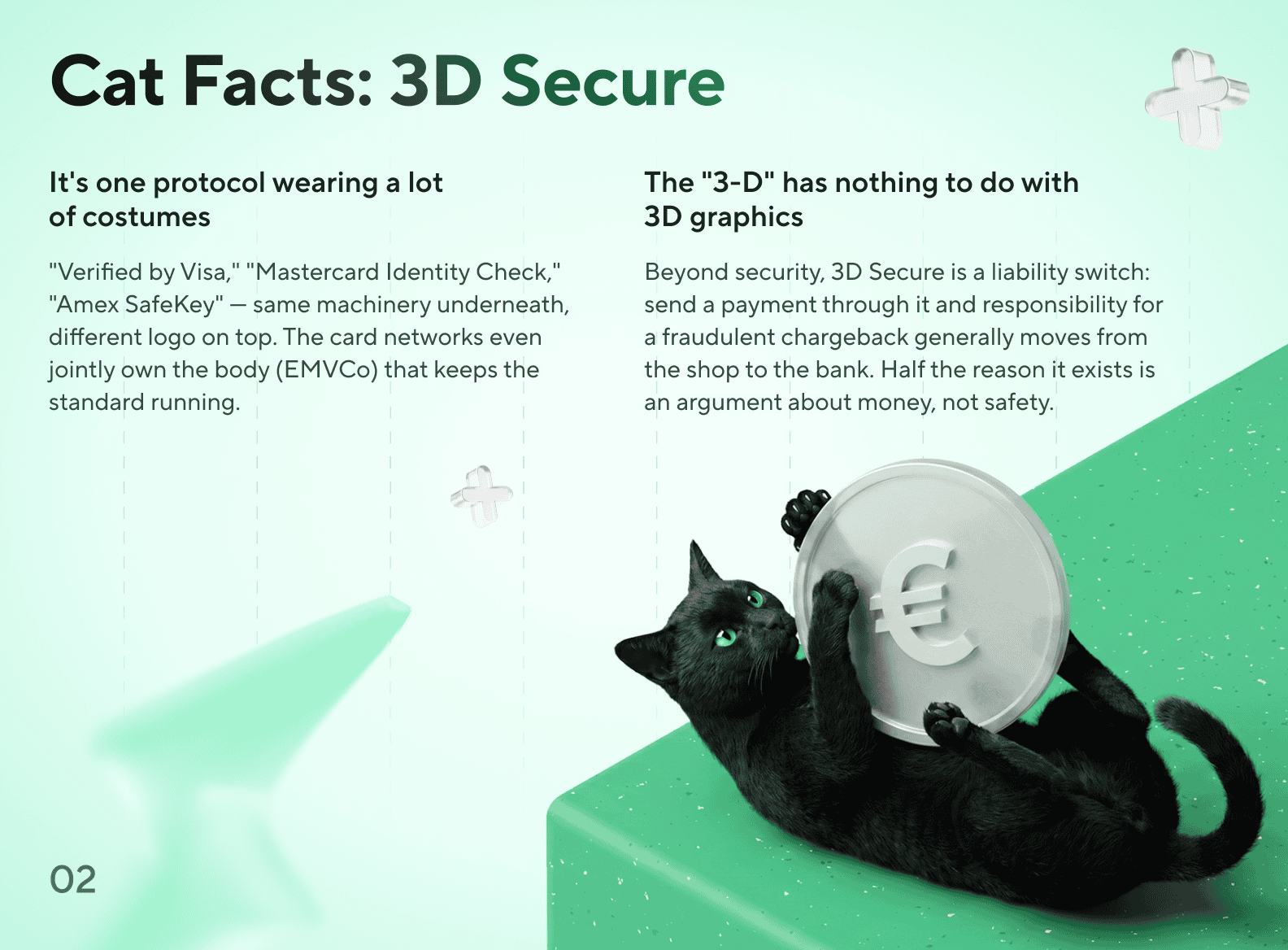
No — and this trips a lot of people up. So do all online payments need 3D Secure? They don't. You'll sail through plenty of purchases with no prompt at all, then suddenly get challenged on the next one. That's not inconsistency; it's the rules working as designed. The regulation allows specific exemptions where the risk is low, and your issuer applies them case by case.
Common situations where a challenge is skipped include:
- Low-value payments (small amounts, up to a capped running total before a check is forced).
- Recurring charges of the same amount, like a monthly subscription you've already approved once.
- Merchants you've added to a trusted list with your issuer.
- Transactions the issuer's risk analysis scores as very low risk.
| Aspect | Frictionless flow | Challenge flow |
|---|---|---|
| What you see | Nothing — the payment just completes | A prompt to confirm it's you |
| Typical trigger | Low value, recognised device, low risk | Higher value, new device, or unusual pattern |
| How you approve | No action needed | Push approval in your app or a one-time code |
| Who decides | Your card issuer | Your card issuer |
Frictionless vs challenge flow: when a 3D Secure prompt appears and when it doesn't. The card issuer makes the call on every payment.
When 3D Secure fails or a payment is declined
Sometimes the confirmation doesn't go smoothly. The screen spins, the code never arrives, or you approve and the payment still bounces. So what happens if 3D Secure fails? It's frustrating, but the causes are usually mundane. If a 3D Secure payment stalls, work through these in order:
- Check your connection. The challenge needs your phone or app to be online to receive and send the approval.
- Make sure the prompt reached the right place — the phone number or app linked to the card, with notifications switched on.
- Don't let the page time out. If you waited too long, the session can expire; start the checkout again.
- Re-enter the card details carefully. A mistyped number or expiry will stop authentication before it begins.
- If it still fails, open your app and confirm your contact details are current, then retry.
Reducing unauthorised use — and keeping payments safer
Does any of this actually reduce fraud — and is 3D Secure safe to rely on? Yes, in a specific way. By requiring proof that the cardholder is present, 3D Secure makes it much harder for someone holding only your card number to complete an online purchase — which is why EU regulators built the requirement into payment law rather than leaving it optional. It doesn't make a card impossible to misuse, and no honest provider should claim it does, but it removes the easiest attack: buying things with a stolen number alone.
You can stack your own habits on top of the system. The strongest protection comes from
advanced security measures you control directly:
- Use a card control app to freeze the card instantly, set spending limits, or turn online payments on and off when you're not using them.
- Keep notifications on so you see every charge the moment it happens and can react fast.
- Never share a one-time code with anyone — no real support agent will ask for it. That code is the second factor, and handing it over defeats the whole point.
- Use a virtual card for unfamiliar sites. Virtual card security works the same way as a physical card's, but you can create, lock, or delete the number without touching your main card.
FAQ
How does 3D Secure work?
When you pay online, the merchant passes the transaction to your card issuer, which decides whether to approve it silently or ask you to confirm. If it asks, you approve through your card control app or a one-time code, and the payment continues. The issuer, not the shop, runs the check.
Why do online card payments ask for extra confirmation?
Because EU law — Strong Customer Authentication under PSD2 — requires most online card payments to verify it's really the cardholder, using at least two independent factors. The prompt you see is that verification happening.
Is 3D Secure required for every online payment?
No. Low-value payments, recurring charges, trusted merchants, and transactions scored as very low risk can be exempt, so many payments go through with no prompt. Your issuer decides on each one.
What should I do if 3D Secure fails?
Check your connection, make sure the prompt reached the phone or app linked to the card with notifications on, and don't let the checkout page time out. If it keeps failing, confirm your contact details are current in the app and retry.
Can 3D Secure help reduce unauthorised card use?
Yes. By confirming the cardholder is present, it makes it much harder for someone with only your card number to complete an online purchase — which is why regulators built it into EU payment rules. It reduces risk; it doesn't remove it entirely.
Why was my payment declined after authentication?
Authentication only proves it's you. The issuer still has to authorise the payment, checking funds, limits, and fraud signals on the transaction itself. A correct confirmation can still be followed by a decline for an unrelated reason, like exceeding a daily limit.
Does 3D Secure work with virtual cards?
Yes. A virtual card carries the same 3D Secure protection as a physical one, and confirmations arrive through the same app. You also get the bonus of being able to lock or delete the number on its own.
How can I keep online card payments safer?
Use a card control app to freeze the card and set limits, keep notifications on, never share one-time codes, and use a virtual card for sites you don't know well.
Share this article