Euro Card for Everyday Spending in Europe: What to Check
Most of us choose a card for reasons that have nothing to do with how it performs: the colour, a headline cashback number, the word free. Or follow our friends' choice.
Articles, analysis, and updates from Blackcat, grouped under Cards & Payments.
Explore categories
Most of us choose a card for reasons that have nothing to do with how it performs: the colour, a headline cashback number, the word free. Or follow our friends' choice.
You're buying something online — concert tickets, a flight, a pair of trainers — and just as you tap Pay, the screen pauses. Your phone buzzes. A message asks you to confirm it's really you. That short pause is 3D Secure doing its job.
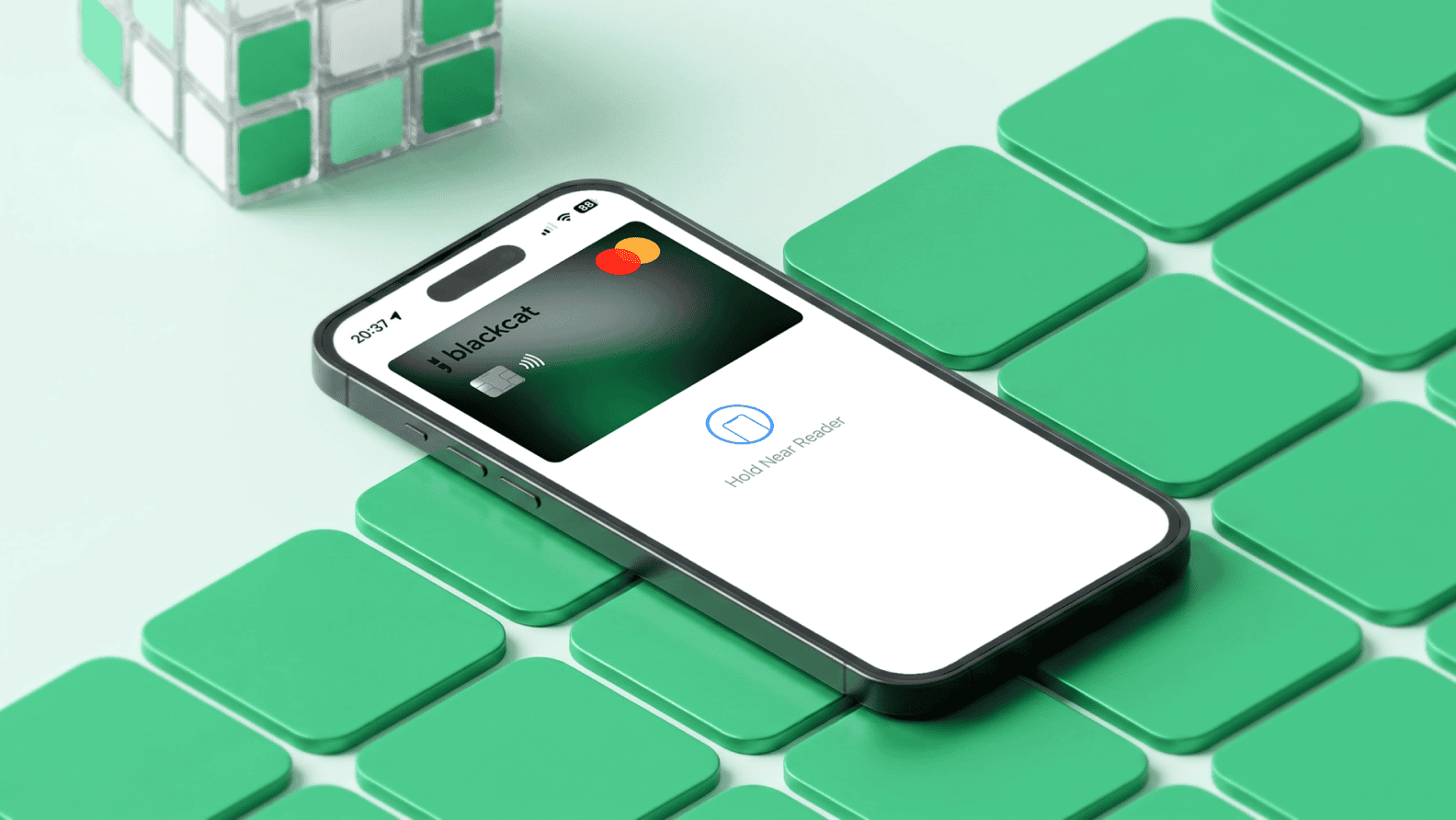
Your Apple Pay payment card is, in effect, a secured digital twin of the card in your pocket. Apple Pay is a mobile wallet built into your iPhone or Apple Watch. Instead of pulling out a card, you hold the device near a terminal and confirm with Face ID, Touch ID, or your passcode.
You buy groceries, fill up the car, pay for a subscription, grab lunch — and a small percentage of what you spent quietly lands back in your account. No coupons. No stamps. No loyalty card to forget at home. That is card cashback in practice: a percentage of your everyday card purchases, returned to you in real money.
You’ve booked the flight, mapped the route, and reserved the car. Then you arrive at the counter and the agent asks for a card. Not just any card — a card that can handle a deposit hold of €500, €800, or sometimes more than €1,000. You hand over your card. It gets declined. The trip plan starts unravelling before you’ve even left the airport.
You're about to hit "Pay Now" on an online checkout, and the form asks for your "CVV." Or maybe it says "CVC." Or "Security Code." You flip your card over, find a three-digit number near the signature strip, type it in, and move on with your life. But what is that number actually doing?